
Pike County Court Calendars Explained
No single calendar covers every court in Pike County. The best published tool is the Pike County Court Calendar Search. That tool reaches the court's Traffic, Criminal, Civil, Small Claims, and Parking matters. It works by date range. Even so, not every Pike County court docket shares one schedule. Common Pleas, Probate, Juvenile, and mayor's-court items each belong to their own court channel.
Treat any calendar entry as a locator, nothing more. County Court warns that its online information can trail filings or court action. The lag runs at least 24 hours, sometimes longer. That lag matters most when a date is close. A calendar line can help you spot a matter. But the clerk or deputy clerk is still the source for a current setting, a record request, or a question about a change.
Note: Court-date coverage follows the record custodian. So a result in one Pike County search does not establish what another court holds.
Pike County Calendar Search Filters
The County Court calendar form has one firm requirement: a Beginning Date. An Ending Date is optional. From there you can keep or clear the preselected Traffic, Criminal, Civil, Small Claims, and Parking categories. Then pick a result count, accept the agreement, and finish the CAPTCHA. The form allows years from 1982 through 2029. There is no court selector. It searches only the County Court system.
| Calendar field | Form type | Required | Pike County form note |
|---|---|---|---|
| Beginning Date | Month, day, year lists | Yes | Years shown run from 1982 to 2029. |
| Ending Date | Month, day, year lists | No | Uses the same displayed date range. |
| Case type | Checkboxes | No | TR, CR, CV, SM, and PR are preselected. |
| Matches per page | Radio buttons | One choice | 25 is the default; 50, 100, and 250 are also shown. |
| CAPTCHA response | Text challenge | Yes | Visual and audio controls appear after the agreement. |
The form itself offers no courtroom, judge, attorney, or setting-type filter. Narrow things by date and case type instead. If a Pike County court date really counts, take the result through the County Court confirmation path.
Finding Your Court Date
Begin with the court named on your notice or in the existing case record. Calendar Search helps for a Pike County Court matter. Use it when you know the date. Or use it to review a time range. The related Case Search takes several entry points. It accepts a hearing date, case number, ticket number, or Name/Company entry. A number often beats a name, since several cases can share one party name. The form's court-specific categories keep the search tied to the County Court docket.
- Open the County Court Record Search and select Calendar Search for a date-range search, or Case Search for a known County Court case.
- Enter a Beginning Date, add an Ending Date only when useful, and retain only the relevant case-type boxes.
- Complete the agreement and CAPTCHA manually. Do not treat a blocked CAPTCHA as a missing Pike County court date.
- For an active County Court setting, call the clerk or deputy clerk at 740-947-4003, or confirm at 230 Waverly Plaza, Suite 900, Waverly, Ohio 45690.
Common Pleas dates take a different route. Use the official CourtView public eServices gateway after its agreement and CAPTCHA. You can also call the Common Pleas Clerk at 740-947-2715. The counter sits at 100 E. Second Street. Probate and Juvenile keep their own contacts. Each division also has its own record-search page. Neither court posts a daily printed calendar or public courtroom schedule.
Pike County Court-Date Confirmation
County Court publishes a direct confirmation route because its web data may lag the latest action. The court sits in Suite 900 and lists 740-947-4003, fax 740-947-7644, and countycourt@pikecounty.oh.gov. Its official County Court location page posts the daytime office schedule and names this as the channel for County Court criminal, traffic, civil, small-claims, parking, and setting questions.
Pike County Court clerk channel
230 Waverly Plaza, Suite 900
Waverly, OH 45690
740-947-4003
Use this court-specific channel to confirm a current County Court setting or ask about a search result that may be delayed.
For a look at the official County Court location details, see the court's published location information, which lists the office's hours and contact channels. The building is the confirmation point for County Court. It does not prove another Pike County court runs the same calendar.
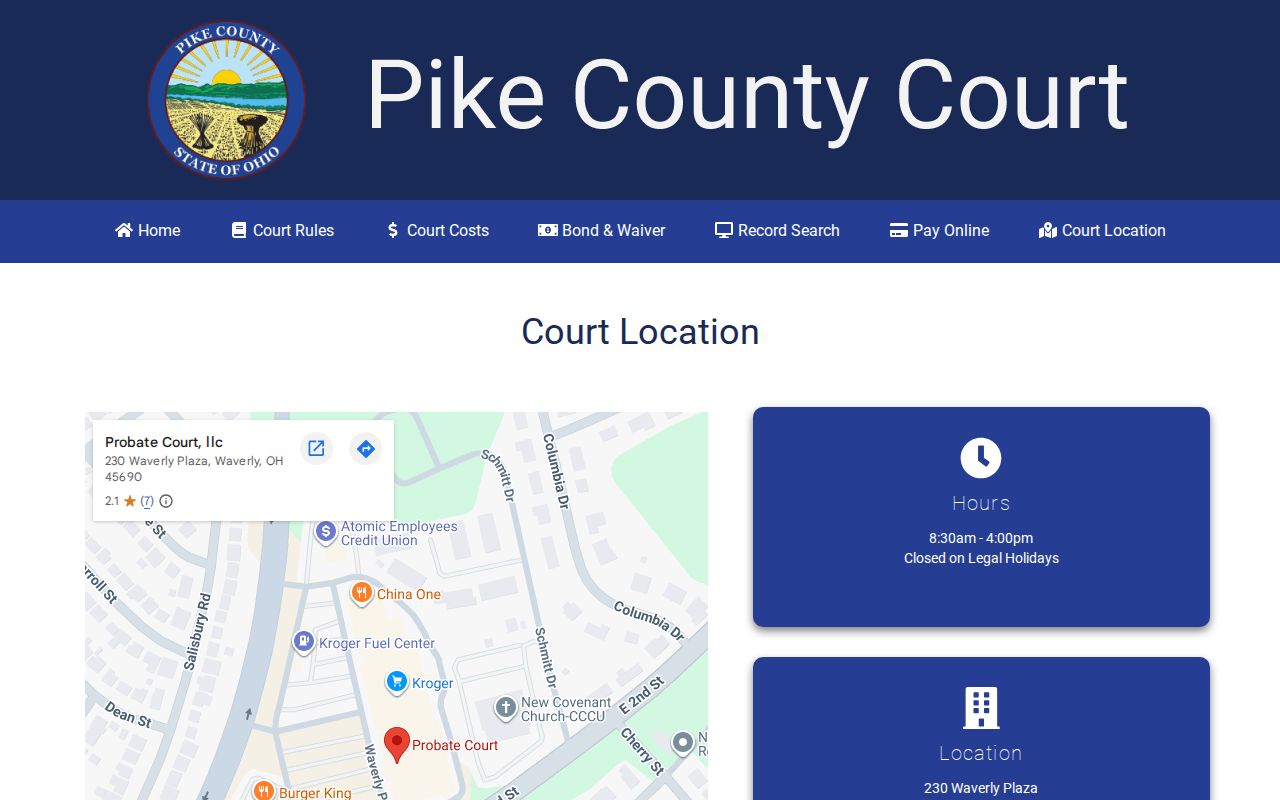
A time-sensitive setting calls for direct clerk confirmation. That is when the County Court's physical location earns its keep, after a Calendar Search result.
How to Read a Court Setting
A setting is just a scheduled court event, not always the final hearing. A hearing date and a filing date are different search clues. County Court's calendar form supports a chronological lookup. Case Search can use a hearing date for a known case. What gets scheduled varies. It might be an arraignment, preliminary hearing, pretrial, motion hearing, trial, sentencing or disposition, or a civil or small-claims hearing. Those are plain descriptions of court events. They are not labels pulled from a Pike Calendar Search result.
| Date | Use the calendar date as a search clue, then confirm it with the court when it controls an appearance. |
|---|---|
| Time | Not observed as a Calendar Search input or result field in the research; ask the clerk for the current time. |
| Courtroom | Not exposed on the observed public Calendar Search form. |
| Judge | Not exposed on the observed public Calendar Search form. |
| Setting type | Not exposed on the observed form; the clerk can explain the current event for the specific Pike County case. |
Do not guess a time, courtroom, judge, or event type from a result layout. A Pike County court docket can show a date while leaving out details only the clerk can confirm.
Pike County Court-Date Remote Permission
Probate and Juvenile each publish remote-hearing material. Look for contact-information forms and Zoom details. You should also find video-conference instructions and applications to appear by telephone or video. The divisions' Technology Plan confirms remote-hearing and videoconference tools. It does not promise automatic remote attendance, a recurring Zoom link, or a universal public calendar for a Pike County court date. Permission comes first. Contact the right Probate or Juvenile division rather than trusting a County Court search result or a general video link. The plan draws its own record-access lines. Online public access covers Probate material and adult Juvenile material. Match the date question to the division that controls it.
Continuances, Resets, and Cancellations
A continuance or reset simply moves a setting. Pike County publishes no County Court continuance form, no reset code glossary, and no local deadline for asking a date change. That gap matters. A public calendar can keep showing an older line while later action is pending or while an online update lags. So do not assume a vanishing date means dismissal. Do not assume the old date still controls either.
For County Court, read the case or calendar result, then ask the Suite 900 clerk channel which setting is current. Common Pleas works differently. Use CourtView after the manual gateway if it is available, then the Common Pleas Clerk. Probate and Juvenile each go through their own clerks. An attorney on the case may hold court-specific notice. The official court channel is still the public confirmation path. One caution belongs here. A clerk can confirm a changed date, but no one can predict whether a particular continuance motion will be granted.
Pike County Calendar Search Limits
The County Court form earns trust because its limits are plain. It searches that court's five listed case categories. It requires a date to begin. What a result does not prove is a live courtroom, judge, party, attorney, document, continuance history, or virtual-hearing field. Guessing those details would be a mistake.
Common Pleas guards public access behind an agreement and a CAPTCHA. Even past that gate, the court offers no standalone calendar form. Probate and Juvenile supply record-search routes of their own. Neither adds up to one combined Pike County calendar. A no-result can mean several things. The court may be wrong, the date window off, the search format bad, the posting delayed, or a public-access boundary in the way.
For a second official view of the County Court contact route, the Pike County Commissioners' court listing identifies the same County Court channel. Treat it as a directory page. It is a source for offices and phone numbers, not an online calendar.
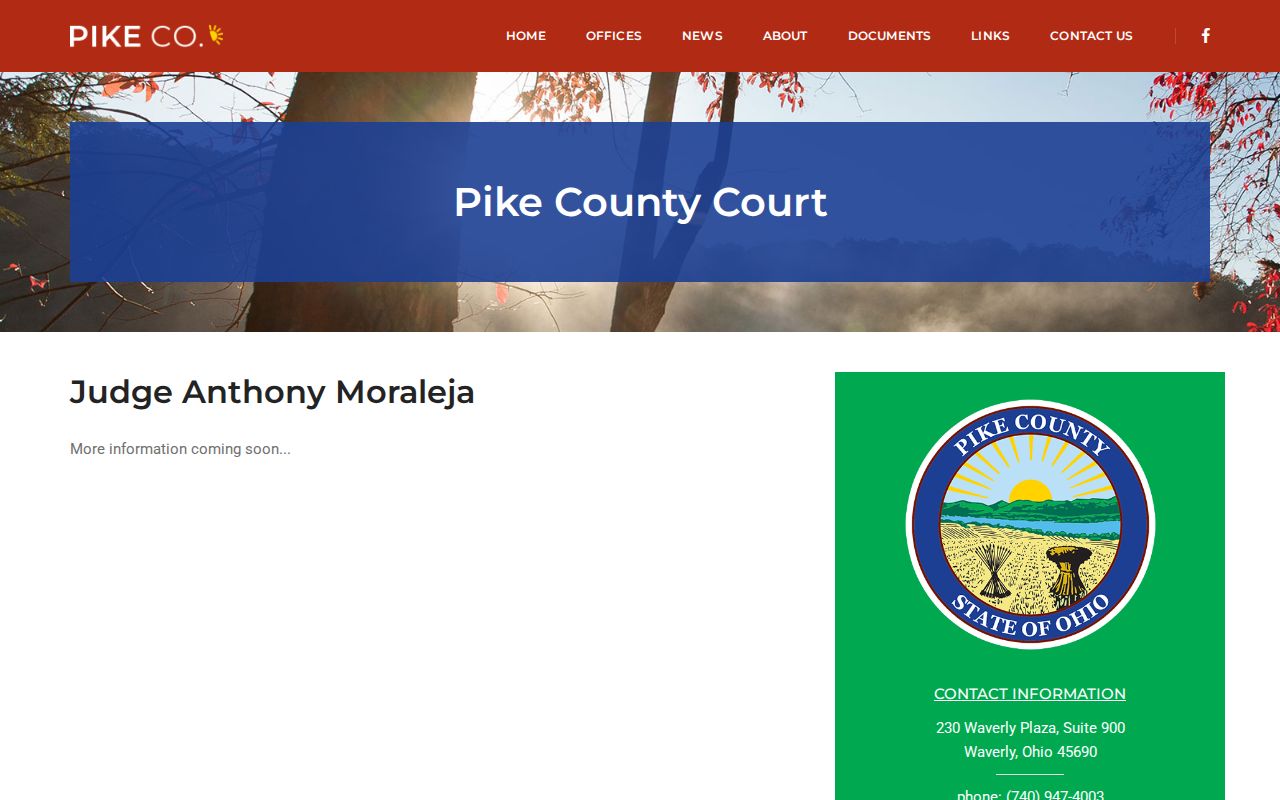
The county directory makes one local point clear. Calendar Search and a clerk confirmation are related tools, not the same record.
Pike County Court-Date Docket Check
Put a date result and a case record side by side when both are available, because each search answers a different question. County Court Case Search takes a hearing date, case number, ticket number, or Name/Company entry. Calendar Search works only from a required date. The two can disagree. Do not pick a winner by guesswork. When both point to an old or unclear setting, ask the County Court clerk which Pike County court-date information is current, and for another court, use that court's own record and clerk channel.
If You Miss a Court Setting
Call the court named in the case first. Ask for the current status and the correct next step. Do not assume an older Pike County court docket line still controls, because online posting can lag. County Court confirmation beats a docket search here. What no source can promise is an automatic consequence. A warrant, bond consequence, dismissal, or new date does not follow every missed appearance by rule.
Missed a setting? Call the court that holds the case as soon as possible to confirm the current status and any required appearance.
For a County Court matter, use the Suite 900 clerk channel; Common Pleas, Probate, Juvenile, and mayor's-court matters require their own court contacts.
If a party has counsel, contact that attorney as well for advice about the active case and the court's current instructions.
Pike County Court-Date Routing
Route a Pike County court date by court, not by the town where a person lives. County Court Calendar Search covers County Court categories only. Common Pleas goes through its CourtView gateway and clerk. Probate and Juvenile keep separate deputy-clerk offices and their own public-search boundaries. Waverly Mayor's Court runs a separate court-authorized docket interface. A Piketon mayor's-court question starts with the municipal clerk, since the village posts no official public docket search online.
| Likely record holder | Starting route for a date question | Important limit |
|---|---|---|
| Pike County Court | CaseLook Calendar Search or Case Search, then Suite 900 clerk. | Online data may lag 24 hours or longer. |
| Common Pleas | CourtView gateway, then Common Pleas Clerk. | No standalone public calendar form was identified. |
| Probate or Juvenile | Division contact and its Record Search route. | Remote attendance may need permission; juvenile access is limited. |
| Mayor's Court | Use that municipality's court channel. | Do not assume its docket is merged into County Court. |
A case number sharpens any date check. It pins the setting to one file. When the need shifts from a setting to a local record locator, take the separate Pike County Case Lookup route, then return to the court that controls the date.