
Pike County Traffic Court Records
Most traffic cases in Pike County run through Pike County Court. Its CaseLook Record Search offers a Traffic filter tagged TR, plus categories for criminal, civil, small-claims, and parking matters. Keep one limit in mind. The portal only covers that court's own docket. It will not pull every traffic case in the county into one place, and a hit on a case does not mean the whole file is online.
Municipal courts sit outside that system. Waverly Mayor's Court runs its own public docket search. Piketon names a Mayor's Court Clerk and offers a way to pay. The village posts no public case-search page. Beaver's local court route is unclear from village materials. So before you type a ticket number anywhere, confirm which court issued the ticket. That single fact tells you where the Pike County court docket you need actually lives.
Pike Traffic Court Routes
County Court cases run through Pike County Court CaseLook. That is the tool. The County Court clerk sits in Suite 900, 230 Waverly Plaza. The published phone line is 740-947-4003. A Waverly citation belongs first in Waverly's own court-specific docket, while a Piketon question starts with its clerk, since the village's official materials cover contacts and payment help rather than a public case index.
Ohio runs no single statewide docket search that covers all of these systems. A mayor's-court case can later produce a separate County Court appeal record, but municipal tickets will not all show up in CaseLook.
Looking Up a Traffic Ticket
First, figure out which court issued the citation. The ticket or an official notice will say. For a County Court matter, go to the official CaseLook Record Search and enter the most specific detail it permits.
The form offers Ticket Number, Case Number, Hearing Date, File Date, and Name/Company fields. Only one search detail works at a time. You must also agree to the terms by hand and finish a CAPTCHA.
- Confirm whether the citation belongs in Pike County Court, Waverly Mayor's Court, Piketon Mayor's Court, or another identified court channel.
- For a County Court case, use Ticket Number or Case Number if available, and keep the Traffic TR category selected.
- When a number is unavailable, use the County Court name format of last name, space, first and middle name, then narrow with a date only if needed.
- For Waverly, use the court-specific docket search. For Piketon, ask the Mayor's Court Clerk which public route and identifier apply.
- Call or visit the issuing court when the citation is absent, the date is time-sensitive, or the record needs confirmation.
Pike County Court Traffic Fields
The CaseLook form is built around a court-specific lookup, but no set format for a Pike citation number appears anywhere on it. The Ticket Number field simply takes what is printed on your ticket. The separate Case Number field asks for numbers only, with no letters.
| Observed County Court field | Use and documented limit |
|---|---|
| Name/Company | Enter “last, space first middle”; the form allows up to 30 characters. |
| Case Number | Numbers only, no letters; maximum 12 characters. |
| Ticket Number | Separate search field with a maximum 32 characters; no local ticket pattern was documented. |
| Hearing Date or File Date | Optional month, day, and year selectors that can narrow a County Court search. |
| Traffic | The Court's traffic category is TR; it is a search filter, not a citation-number format. |
CaseLook lets you display 25, 50, 100, or 250 matches per page. Picking a larger page size only changes how many results you scroll through; it never changes which court holds the file.
How to Find Your Traffic Court Date
If you know the County Court case, CaseLook will search by Hearing Date, Ticket Number, Case Number, or name. Calendar Search works differently. It requires a beginning date. It accepts an optional end date and type filters, and asks you to complete a CAPTCHA before it runs. The tool can return results across a date range. What a Pike result page displays varies by case. Treat the form as a lookup aid. It does not prove courtroom, judge, time, setting type, or linked documents.
| Ticket Number | A County Court search input with no documented Pike citation format. |
|---|---|
| Case Number | Numbers only, no letters, in the observed County Court form. |
| Hearing Date | An optional CaseLook search field that can help narrow a known matter. |
| Calendar range | Beginning Date is required; Ending Date is optional in Calendar Search. |
| Traffic category | TR narrows County Court records to the Traffic form category. |
The public portal can lag behind filings and court actions by 24 hours or more. A date pulled from the web may be stale. Before you rely on it, confirm your appearance time with the clerk in Suite 900.
Pike Traffic Calendar Search
County Court Calendar Search is the county's strongest published date tool. Pick the beginning date. Add an end date if that helps, then choose Traffic and select a result count. Complete the CAPTCHA. Year choices run from 1982 through 2029. The range can help you spot an entry by date. It is not a final notice, so treat it cautiously after any new court action.
Common Pleas publishes no separate traffic calendar. For a time-sensitive County Court matter, call the clerk. A Waverly date belongs with Waverly Mayor's Court, not the County Court calendar tab.
Note: Before a search runs, the public Calendar Search form shows no courtroom, judge, attorney, or setting-type selector.
Pay or Contest a Ticket
How you respond to a Pike County traffic ticket depends on which court issued it and what that court currently instructs. For qualifying cases, Pike County Court sends online payments through nCourt. CaseLook handles its public record search instead. The court posts no single local plea form. It posts no universal contest deadline and no one-size online response process. One caution matters here. Paying a ticket is a transaction. It counts as a plea, and it is never a stand-in for the docket itself. Check the actual docket entry before you assume anything about your case status.
| Pay through the court-authorized route | Respond or contest through the issuing court |
|---|---|
| Use the court's current payment instructions for a qualifying matter. | Contact the court that issued or holds the citation for its current response procedure. |
| The nCourt screen may show a Citation Number input and a processing fee before submission. | The research did not identify a countywide online contest form or one rule that fits every Pike traffic case. |
| A payment page is not a case-file search and does not replace a clerk's current record confirmation. | A CaseLook or mayor's-court docket result can locate a matter, but the clerk confirms the active setting or file. |
Missed date or unresolved ticket: Call the issuing court right away. Pike County Court warns that its online data can lag behind the paper file, so treat what you see online as a starting point rather than the last word. Missing one setting does not trigger the same consequence in every case. A payment confirmation is not a substitute for the clerk's current case status either, so confirm with the clerk before you rely on it.
Pike nCourt Is a Payment Route
Pike County Court links to nCourt as its authorized online payment route for qualifying matters. The public entry page offers a Citation Number field plus a phone-payment option. That makes it handy when County Court directs you there to pay. Do not confuse it with CaseLook. nCourt is not an official public case file. It does not show which documents exist. It cannot answer a current court-date or record question; the clerk still does that. The official nCourt payment entry page displays the Citation Number input and the payment options the court authorizes.
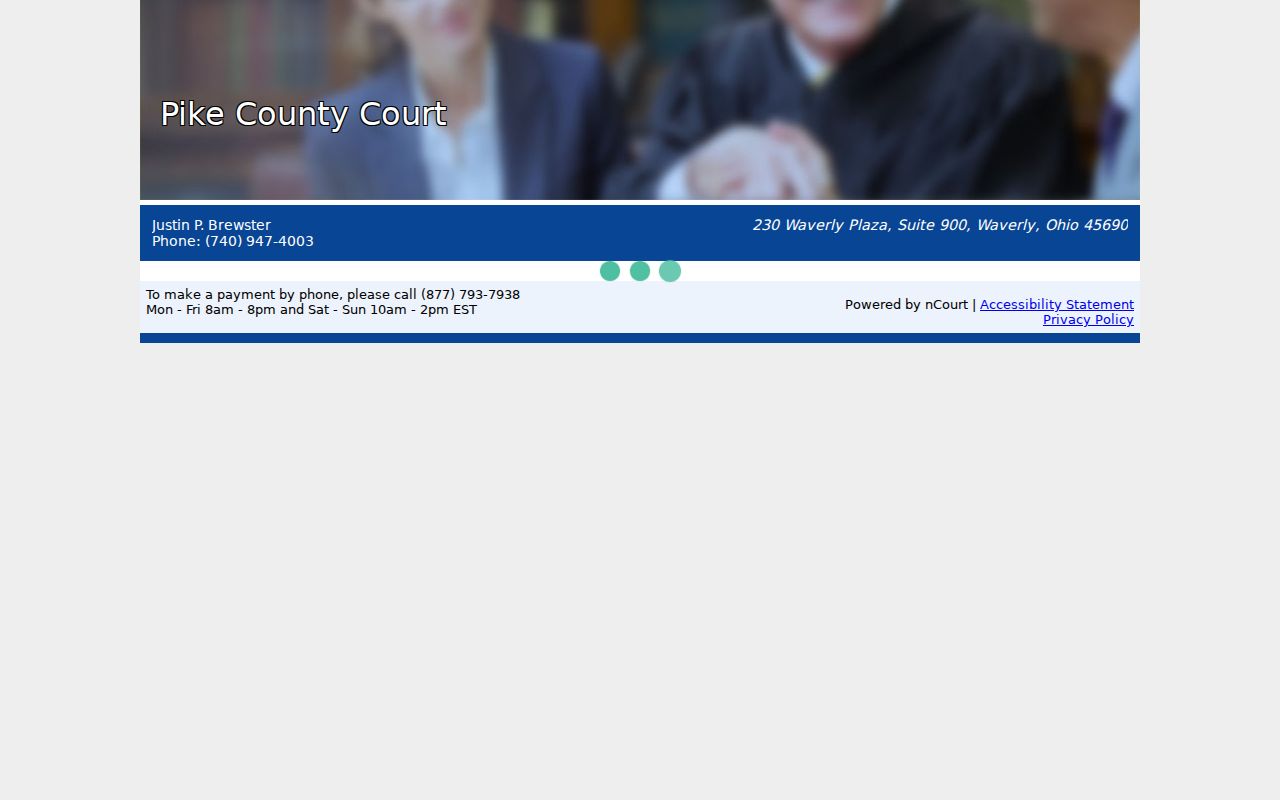
Think of nCourt as a checkout lane, nothing more. For the underlying Pike traffic court record, use CaseLook or the County Court clerk to locate and verify what you need.
Pike Waverly Traffic Ticket Route
Waverly Mayor's Court runs its own court-authorized Docket Search. The fields cover names, case number and type, ticket number, offense date, and court date. The results headings repeat those same core details. One limit matters. The table says it includes filings on or after August 28, 2023, so a missing or older record needs confirmation straight from the court.
Payments sit outside the docket here. Waverly's Police page notes a processing fee. It appears before an online Mayor's Court payment goes through. Keep in mind that paying does not open up every document. It also does not turn a Waverly ticket into a County Court CaseLook record.
The state mayor's-court authority behind Waverly's separate route sets out the powers these courts hold.
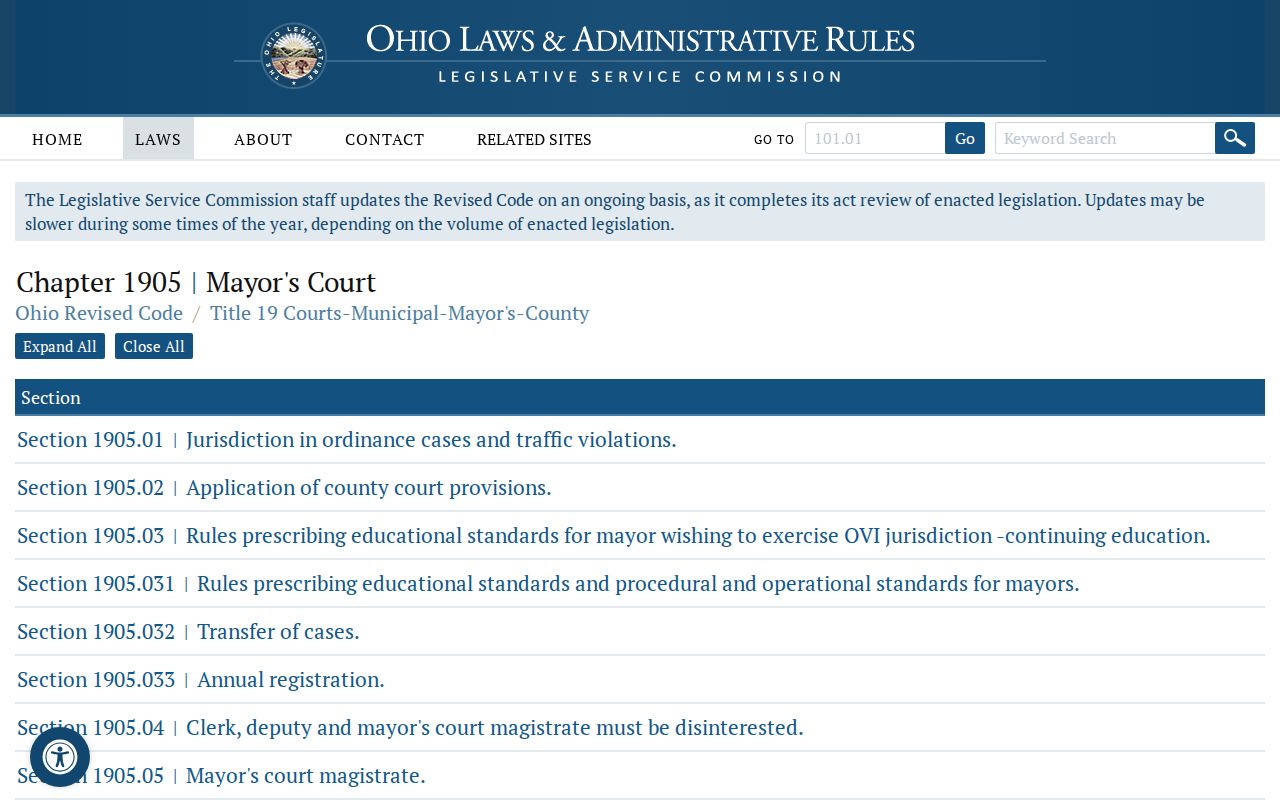
Waverly and Pike County Court dockets live in different systems. Even for traffic inside Pike County, each clerk keeps its own records and search tools.
Traffic Court Record vs Driving Record
Two files, two keepers. A traffic court docket is the case behind a citation, held by the County Court clerk or the right Mayor's Court clerk. The state licensing agency holds the driving record separately. Requesting one never pulls the other.
| Custody question | Court traffic record | State driver record |
|---|---|---|
| Kept by | The County Court clerk/deputy clerk or the relevant Mayor's Court clerk. | The state licensing agency, identified in Pike municipal materials as the BMV reporting channel. |
| Purpose | The court's citation case, docket activity, court date, and obtainable court copies. | A separate state-maintained driving file, outside the Pike court docket systems. |
| Starting route | CaseLook, the Waverly docket, the appropriate court clerk, or the municipal clerk. | Use the state licensing agency's record process, not a Pike court-record search. |
Keeping the files apart prevents a common routing error. A County Court portal result answers only a court-record question within that court's public system.
Pike Traffic Docket Access Limits
Pike County Court Local Rule 4 makes docket indices public records. Nonpublic personal identifiers stay excluded. The rule does not promise remote access to every paper, attachment, or result detail. The traffic portals stop at the public access screens. Sup.R. 45 permits both direct and remote access, subject to restrictions and redaction. A no-result or locked item has several possible causes. It may reflect the wrong custodian. A search-input issue, coverage, or a legal access limit can also be the cause.
Copies and Fees
Pike County Court's costs schedule takes effect December 1, 2025. It lists a $15 certificate of judgment and $5 per day for an audio recording. No plain or certified traffic-copy price appears for a County Court traffic record. Ask the clerk about that gap before ordering. nCourt displays a processing fee before payment. The entry screen posts no fixed amount.
| County Court item | Posted amount | Traffic-record meaning |
|---|---|---|
| Plain traffic-record copy | Not located | Ask the County Court clerk for the current charge. |
| Certified traffic-record copy | Not located | Ask the issuing court whether the public item is available for certification and what it costs. |
| Certificate of judgment | $15 | Listed in the County Court cost schedule; it is not a general plain-copy price. |
| Audio recording | $5 per day | Listed separately by County Court and not described as a docket-copy charge. |
| nCourt processing fee | Shown before submission | Payment-screen amount must be checked at the time of a qualifying payment. |
Pike Traffic Copy Fee Gap
Fees for Pike County Court traffic copies come straight from the official Pike County Court costs page. It lists a certificate-of-judgment charge and an audio-recording charge. It posts no plain or certified traffic-copy price. Ask the clerk what the current fee is for your specific record. Don't carry Common Pleas or Probate figures into the County Court column.
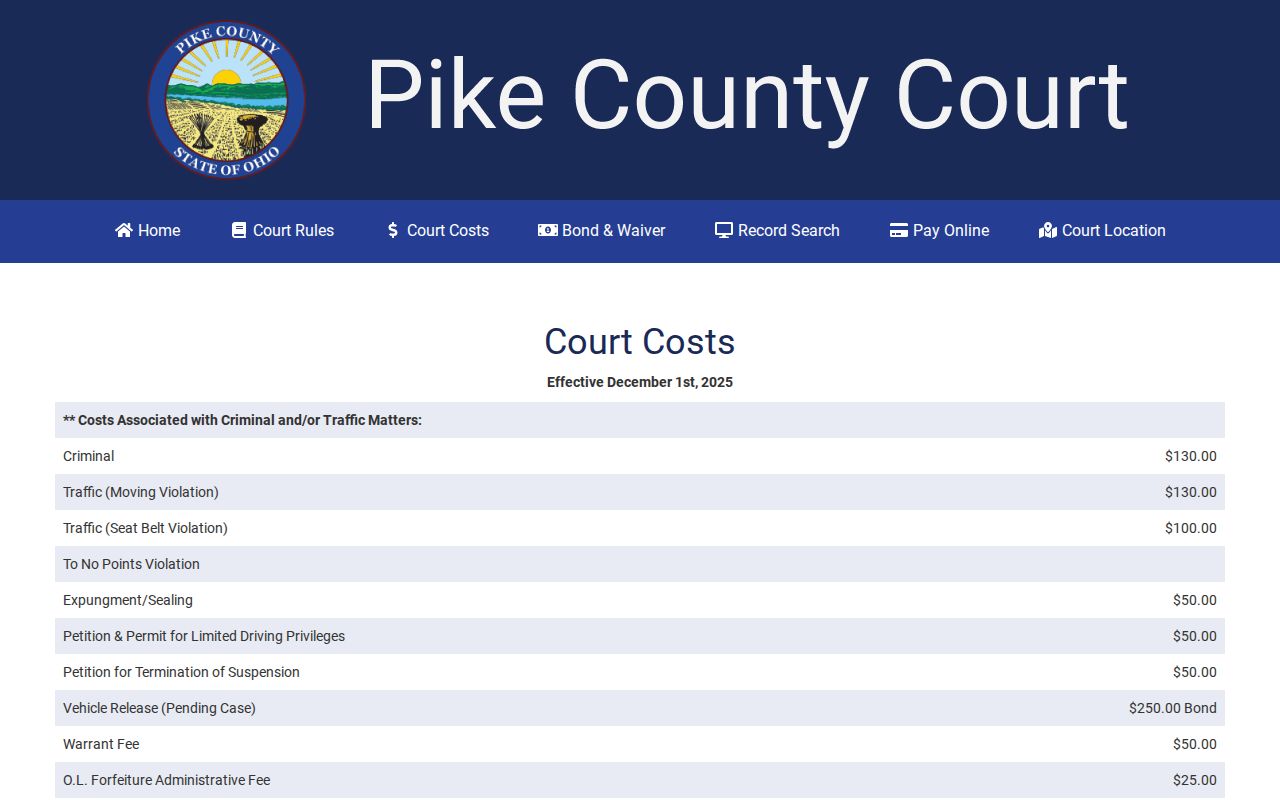
The schedule names the published County Court charges. The clerk supplies any traffic-copy fee the schedule leaves unlisted.
Pike Mayor Court Appeal Records
Ohio law routes a mayor's-court appeal to the municipal or county court with jurisdiction. In Pike County, that can open a second County Court record route after a mayor's-court matter. Search the two custodians separately. The statute setting the appeal destination is R.C. 1905.22.
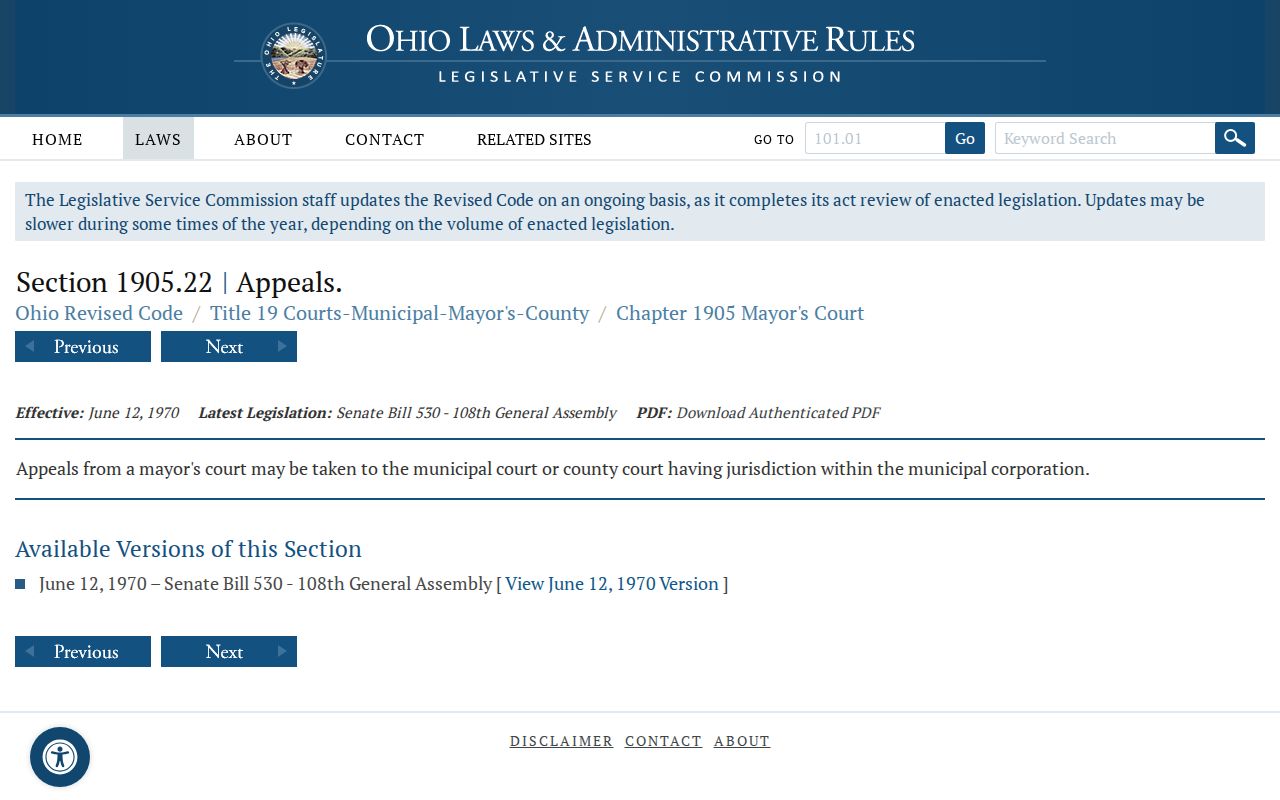
For an active mayor's-court matter, ask the issuing court. It gives the current procedure and record location, not a general appeal timeline.
Pike Traffic Records Need Confirmation
The County Court warns that web data can lag. Online results are no guarantee of live status. For a time-sensitive ticket, a payment question, or a court date, call the County Court clerk at 740-947-4003 or the relevant municipal court. That court settles any record conflict or gap. The official County Court bond and waiver schedule lists selected traffic-related amounts. A posted schedule proves nothing about the status, amount, or outcome of a particular traffic case.
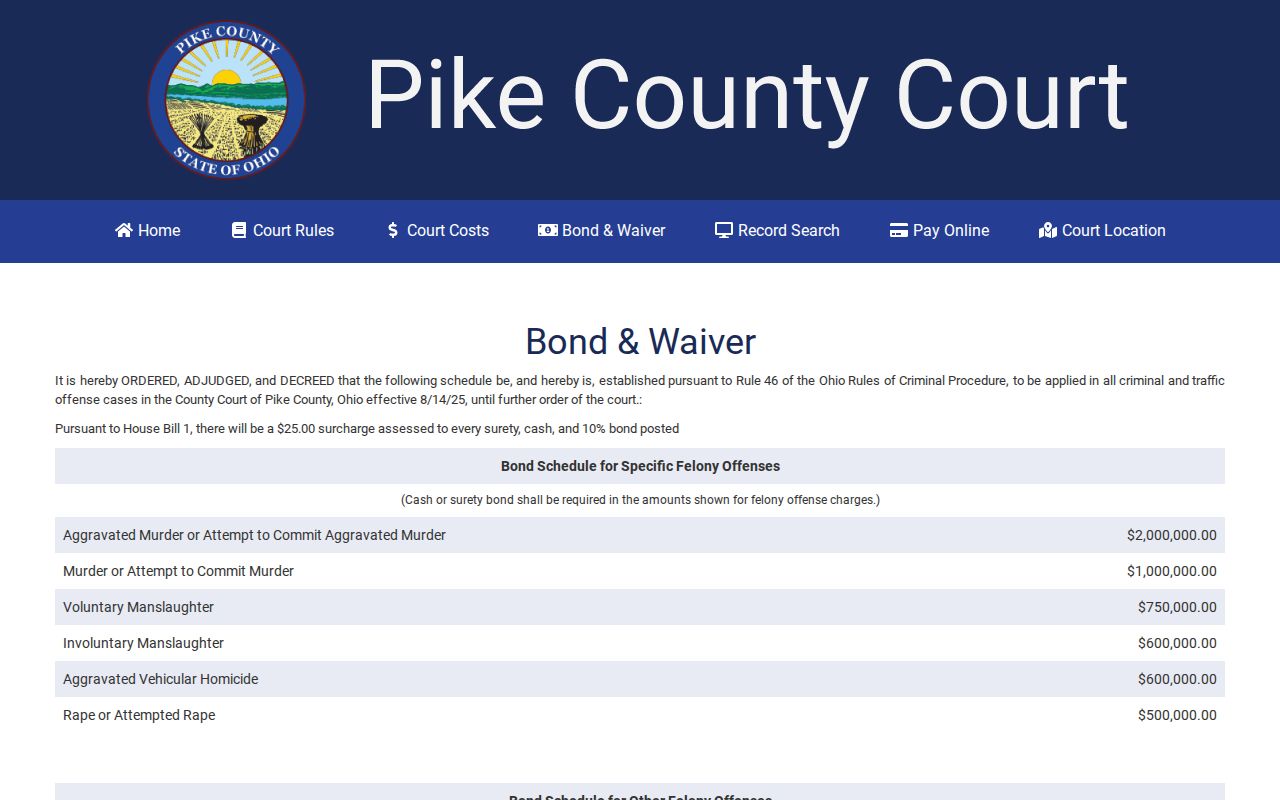
Trust the court's current record first. Its instructions say which published schedule, if any, applies to a specific Pike traffic matter.